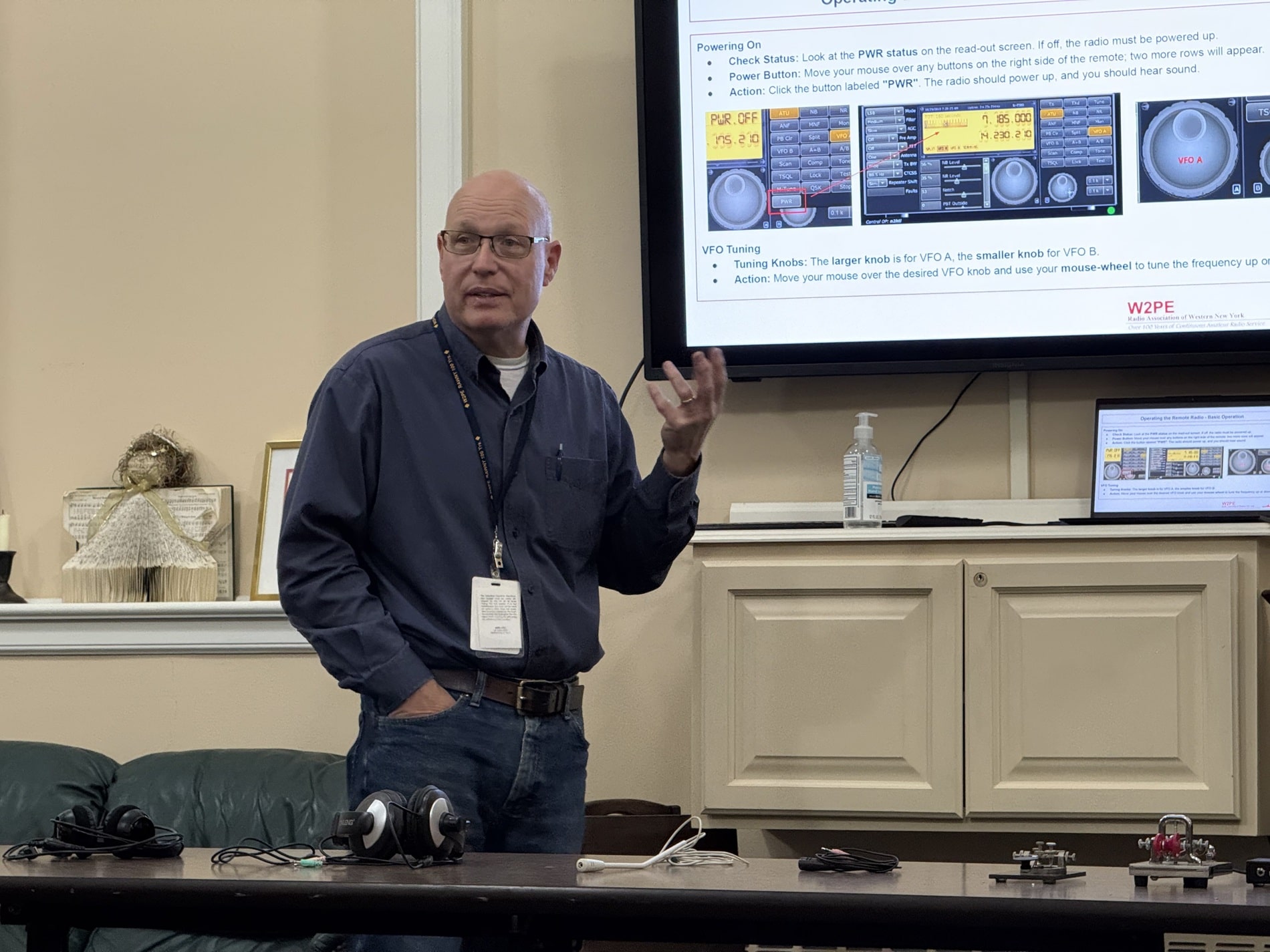

Step into the RAWNY Remote Station, located in the heart of Maryland. This web-accessible powerhouse lets you command a fully equipped amateur radio setup from anywhere. Explore the bands, chase DX, and experience the thrill of remote operation – all while maintaining a direct connection to our station’s unique location. This station is open to all RAWNY members.
Station Specs
The radio is an ICOM IC-7300
The antenna is a G5RV (dipole covering 80m – 10m)
Access The Remote Station
Please follow this link for access details, it takes you through all the required steps and details. You will essentially be creating a new account on RemoteHams.com, logging in for the first time, downloading a piece of software to your local computer and connecting to the remote station and the world is your oyster.
RemoteHams.com Setup Summary
RemoteHams.com is an online community that allows licensed amateur radio operators to remotely control radios worldwide, offering access to high-end equipment, excellent antenna systems, and strategic operating locations (e.g., for DXing or operating in antenna-restricted areas).
Getting Started
Users must visit RemoteHams.com to create an account, using their call sign as the username, and must download and install the RCForb Client software (requires Windows XP or later and .NET Framework 4.0).
Authorization is Required
To operate the RAWNY Remote (or others), you must upload a photo of your license for verification. For the RAWNY remote, confirmed club members are automatically verified.
Essential Gear and Connection
A stable internet connection of at least 100 Mbps is recommended to avoid audio drop-outs. Users also need a good quality microphone and speakers/headphones and must understand how to adjust their computer’s sound card settings within the RCForb Client.
Tuning Procedure (RAWNY Remote)
The built-in radio tuner is deactivated. To tune the remote antenna (a doublet with an SGC-239 remote tuner), set the mode to RTTY, set the RF Power slider to 10%, and press the TX button. Wait for the “SWR 1 to 1” message before un-keying (may require multiple attempts on some bands).
Important Rules
Operators must adhere to all FCC Rules and regulations (including power and band limits) just as if they were in their own shack. Always check the welcome message for special instructions and please DO NOT click random buttons as this can lock up the remote radio for everyone.